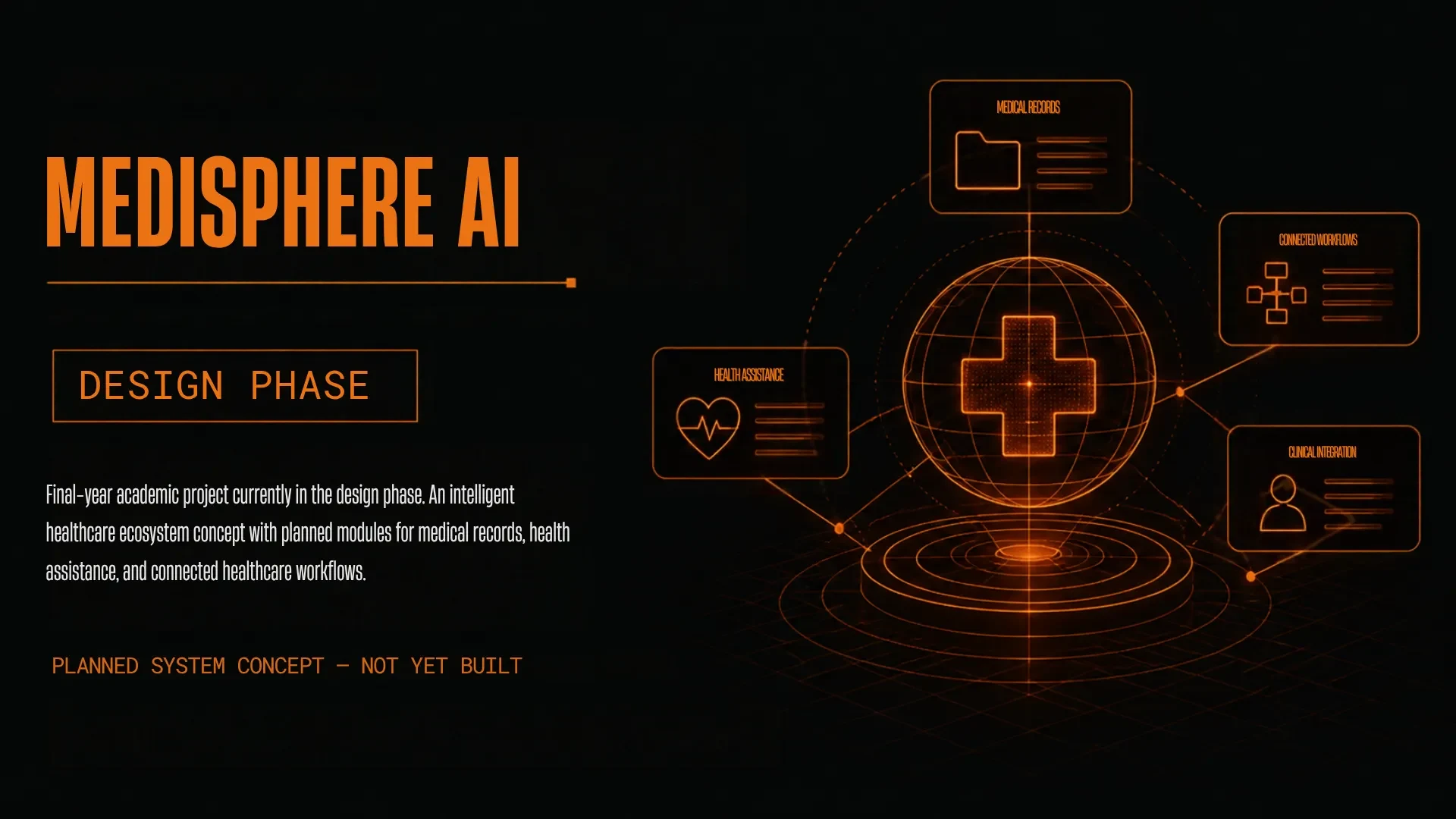
MEDISPHERE AI
MediSphere AI — An Intelligent Healthcare Ecosystem
OVERVIEW
MediSphere AI is my final-year academic project. It is currently in the design phase: the application is not built yet, and everything on this page describes the planned system.
PROBLEM STATEMENT
Patients often do not know if a doctor's slot is free or how long the queue is. Medical documents are scattered across paper files, phones and chat apps. Finding a blood donor depends on phone calls, and there is no record of who accepted.
OBJECTIVES
- ▸ Let patients search doctors, see free slots and book appointments with a token.
- ▸ Let doctors manage availability and update the current token so patients can follow the queue.
- ▸ Keep blood donor details (blood group, location, availability) and let patients search donors.
- ▸ Let a patient send a blood request and record whether the donor accepts or rejects it.
- ▸ Give users a Personal Medical Vault that checks file type and size, stores files securely and lets them retrieve their documents.
- ▸ Support role-based access, admin verification of doctors and donors, and activity monitoring.
PROPOSED SOLUTION
One application with three modules — Doctor Appointment and Live Token, Blood Donor System, and Personal Medical Vault — plus an admin area that verifies doctors and donors and monitors activity. All modules share one login and the same access rules.
FEATURES
- ▸ Doctor search and slot booking
- ▸ Live token tracking
- ▸ Blood donor registration and search
- ▸ Blood requests with accept / reject
- ▸ Personal Medical Vault (checked uploads, secure storage, retrieval)
- ▸ Role-based access for patient, doctor, donor and admin
- ▸ Admin verification of doctors and donors
PLANNED TECHNOLOGY
Proposed stack. Final choices will be made during development.
- App
- Flutter or React Native
- Server
- Python FastAPI or Node.js
- Database
- PostgreSQL or Firebase Firestore
- File storage
- AWS S3 or Google Cloud Storage
- Notifications
- Firebase Cloud Messaging
- Tools
- VS Code, Android Studio, Git, Postman
SYSTEM ARCHITECTURE
A layered design with four layers: the client layer (patient, doctor, donor and admin screens), application services (authentication, appointments and tokens, blood donor, medical vault), data management (user, doctor, booking, token, donor, request, document and audit records), and secure storage with a notification service.
WORKFLOW
- ▸ The user logs in and opens the dashboard.
- ▸ The user chooses one service: appointments, blood donors or the medical vault.
- ▸ A booking is confirmed only after the slot is checked, and then a token is created.
- ▸ A blood request is saved and the donor is notified. The donor accepts or rejects it, and the patient is told.
- ▸ A document is accepted only after the file type and size are checked and the storage reference is saved.
- ▸ If any step fails, the user sees a clear message instead of a false success.
DESIGN DIAGRAMS
MY CONTRIBUTION
Designed the Blood Donor module and created the Data Flow Diagrams (DFDs) as part of a four-member team. Planned: developing the front end of the application.
TEAM
- TEAM
- Abhishek C, Alen Krishna S, Godwin Sajeev, Vyshnav K
- GUIDES
- Dr. Abdul Gafur M and Dr. Thafseela Koya
- INSTITUTION
- KMCT Institute of Emerging Technology and Management
CHALLENGES
- ▸ Stopping two people from booking the same slot.
- ▸ Keeping medical files private with server-side access checks.
- ▸ A matched donor is not a confirmed donor until they accept.
FUTURE IMPROVEMENTS
- ▸ Build the three modules.
- ▸ Test the success and failure paths and check data safety.
- ▸ Check usability with real users.
- ▸ Consider extra features once a reliable working version exists.